

Stop Losing Affiliate Income To Broken Links And Outdated Content
This guide covers the five maintenance tasks that separate profitable affiliate sites from abandoned ones, helping new publishers protect their income streams and avoid preventable losses. You’ll learn how to automate link checking, secure your WordPress setup, monitor uptime, track commission changes, and refresh old content before they cost you sales.
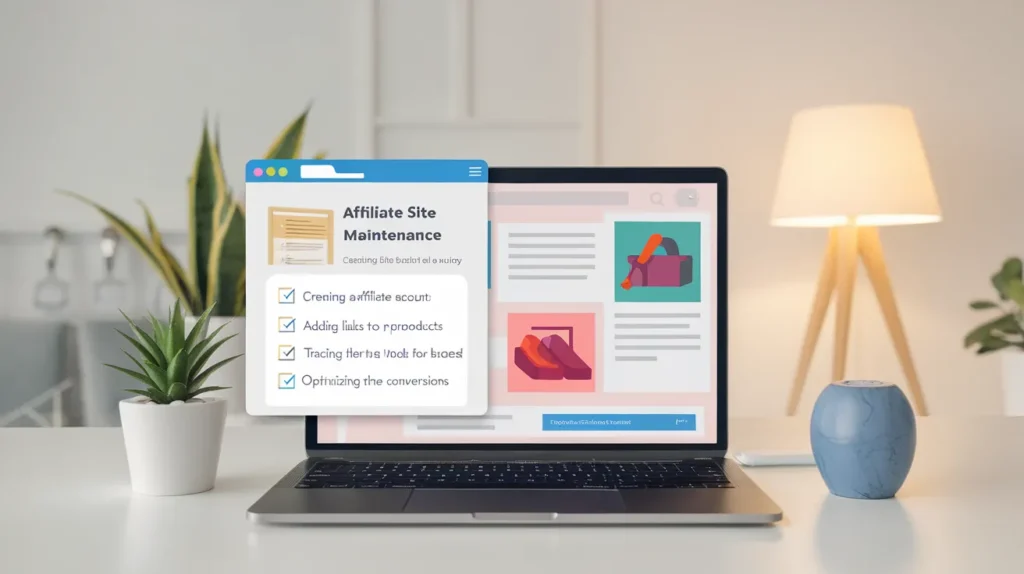
Your site earns nothing when it’s down. Affiliate commissions vanish the moment a link breaks. Maintenance is the only line between consistent income and preventable loss.
Why Broken Links Kill More Than Traffic
A visitor clicks your recommendation. The product page loads as a 404 error. They leave. You earn zero on a sale you should have made.
Amazon products go out of stock constantly. Merchants change landing pages without warning. Your carefully placed affiliate links stop working. You lose money on traffic you already paid to attract.
Without tracking, up to 20% of your affiliate links could be broken. This isn’t a small leak. Say you drive a hundred clicks to dead links each week. Those are warm buyers who already trusted your advice. Now they bounce.
Broken link checker allows you to schedule automated scans daily, weekly, or monthly and receive instant email notification. Tools like AMZ Watcher scan your entire site automatically. AMZ Watcher finds links to broken and unavailable Amazon products, allowing you to fix them fast. You can also use plugins with weekly scanning built in. The scan runs while you sleep. The alert arrives before breakfast.
Don’t wait for earnings to drop. Check links now. Fix what’s broken today. Set automated scans to catch the next failure before it costs you.
Security Updates You Can’t Ignore
93% of WordPress vulnerabilities came from plugins. Your affiliate site runs on WordPress. You installed ten plugins to manage links and display tables. Each plugin is a potential entry point.
Outdated software is the single biggest factor separating sites that get hacked from sites that don’t because once a vulnerability is patched and disclosed, it becomes a known, documented target. Hackers scan for sites running old versions. They find your outdated contact form plugin. They upload malware. Your site redirects visitors to spam.
Google removes you from search results. Your traffic disappears overnight. Months of content work evaporate because you skipped a security update.
Automated bots scan the internet for sites running known vulnerable versions, sometimes within hours. You need to update faster than attackers move. Log into your dashboard weekly. Check for plugin updates. Read the changelog. Install security patches the day they release.
Don’t assume your host handles this. They don’t. You update plugins yourself. Schedule it now. Every Monday morning. No exceptions.
Affiliate Site Maintenance for Beginners Demands Uptime Monitoring
Your hosting fails at 3am. Your site stays down for four hours. You wake up to lost sales and angry emails.
Uptime monitoring tools detect issues and notify you via email, SMS, Slack, or other channels so you can act quickly, often before your users even notice. These services ping your homepage every few minutes. UptimeRobot checks your websites every 5 minutes on the free plan and sends alerts via email, SMS, Slack, with 50 free monitors.
The alert wakes you up. You contact support. The site comes back online. You saved hours of downtime because a monitoring tool caught the failure immediately.
A monitoring service constantly checks your website from various global locations and if it finds your site is down, slow, or showing an error, it quickly alerts you. You can’t watch your site every minute. An automated service can. Set it up once. It runs forever.
Pick a free tier from UptimeRobot or similar. Add your site URL. Choose email alerts. You’re covered.
Tracking Commission Changes Before They Hurt You
You promote a product at ten percent commission. The merchant drops it to five percent without telling you. You keep sending traffic. Your earnings get cut in half. You notice three months later.
Programs change terms constantly. Commission rates drop. Cookie windows shrink. Merchants add exclusions you never agreed to. Most affiliates find out when their dashboard shows half the expected revenue.
Check your affiliate dashboards weekly. Compare this month’s commission to last month’s on the same traffic volume. A sudden drop means something changed. Log into the program. Read recent announcements. Find the new terms.
Some programs email changes. Most bury them in a blog post. If you notice a particular affiliate’s conversion rate has dropped significantly, you can investigate the cause and if a campaign is underperforming, you can adjust commission rates. The same logic applies when you’re the affiliate. Spot the drop. Track down the cause. Switch programs if needed.
Document your baseline numbers now. Write down current commission rates for each program. Set a calendar reminder to check them monthly. Catching a rate cut early lets you pivot fast.
Content Updates Keep Old Posts Earning
You published a buying guide in 2024. The top product got discontinued. The second choice doubled in price. Your recommendations look outdated. Readers leave without clicking anything.
Old content decays slowly. Products change. Prices shift. Screenshots show old interfaces. Links point to pages that moved. The post still ranks. It just stops converting.
Review your top ten earning posts every quarter. Open each one. Click every affiliate link. Check if products are still available. Update prices if they changed. Replace discontinued items with current alternatives.
Look at the publish date. If it says 2024, update it to 2026. Change any time-specific references. Add a note at the top saying you verified everything recently. Readers trust fresh content. Google rewards recent updates.
This takes two hours per quarter. The return is immediate. Your best posts start converting again. Old traffic turns back into new commissions.
Database Cleanup Stops Performance Rot
Your WordPress database fills with revision copies and spam comments. Page load time creeps from two seconds to five. Visitors bounce before your affiliate content even loads.
Every draft you save creates a database row. Every spam comment adds weight. Plugins store settings even after you delete them. The database bloats. Queries slow down. Your site feels sluggish.
Install a database cleanup plugin. WP-Optimize works well. Run it monthly. Delete post revisions older than three months. Clear transient options. Remove spam comments in bulk.
Back up your database first. Always. Export a copy before you delete anything. Store it somewhere safe. Then run the cleanup. Check your site afterward. Make sure nothing broke.
Speed matters for affiliate sites. Faster pages keep readers engaged longer. They click more links. They complete more purchases. A clean database delivers speed you can measure.
Backup Schedules Protect Your Income Stream
Your site gets hacked. All content disappears. You have no backup. Years of affiliate content vanish in one attack.
Most beginners skip backups completely. They assume their host handles it. Some hosts do. Many don’t. Even hosts with backups often charge for restoration. You need your own copies.
Set up automated daily backups. UpdraftPlus is free and reliable. Connect it to Google Drive or Dropbox. Schedule backups to run at 3am. The plugin saves your database and files automatically.
Store backups off your server. If the server fails, local backups vanish with it. Cloud storage keeps copies safe elsewhere. You can restore from any device with internet access.
Test a restore once. Download a backup file. Spin up a local WordPress install. Import the backup. Make sure it actually works. Untested backups are worthless when disaster strikes.
Schedule your first backup tonight. Set it to daily. Forget about it. The plugin runs itself. Your content stays protected.
Frequently Asked Questions
How often should I check my affiliate links for problems?
Run automated link scans weekly at minimum. Monthly scans miss too many failures. Products go out of stock fast. Daily scans work better for Amazon affiliates.
Do I really need uptime monitoring for a small affiliate site?
Yes. Downtime costs you money regardless of site size. Free monitoring tools exist. Set one up today. You’ll catch failures before they drain earnings.
What happens if I skip WordPress security updates?
Hackers exploit known vulnerabilities within hours of disclosure. Your site gets infected. Google blacklists you. You lose all search traffic. Update plugins weekly.
Can I automate all affiliate site maintenance tasks?
You can automate link checking, backups, security scans, and uptime monitoring. Content updates still need human review. Automation handles the repetitive work. You handle strategy.
How do I know if a commission rate changed?
Check affiliate dashboards weekly. Compare earnings per click month over month. Document baseline rates now. Sudden drops signal rate cuts. Investigate immediately.
Set up automated link scanning and uptime monitoring this week before broken links cost you another sale.